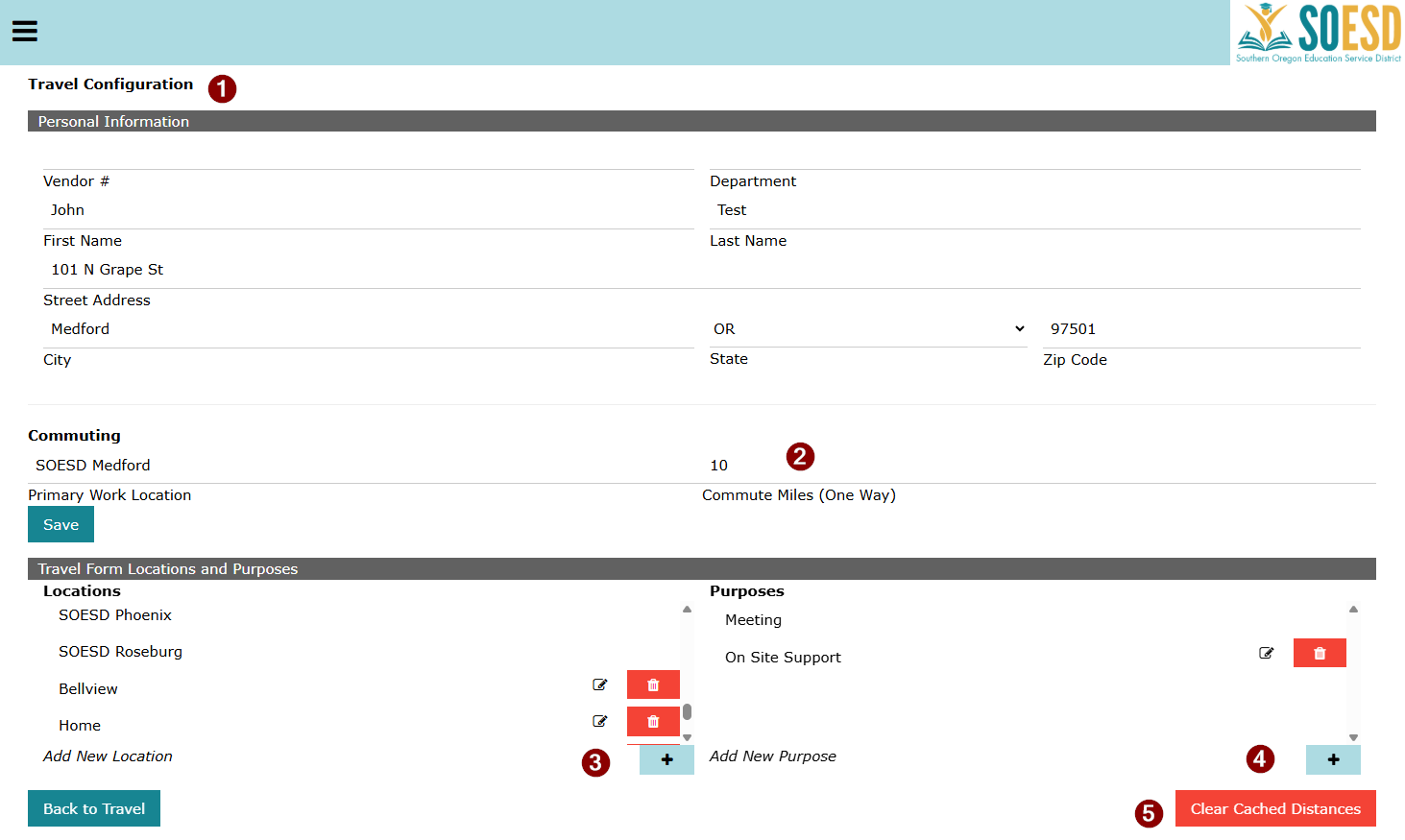
In Area Travel
In Area Travel is used to record the use of your personal vehicle for work purposes so you can get reimbursed for the miles you drive.
Record your work related travel month by month. Turn the completed form into your supervisor at the end of the month for approval.
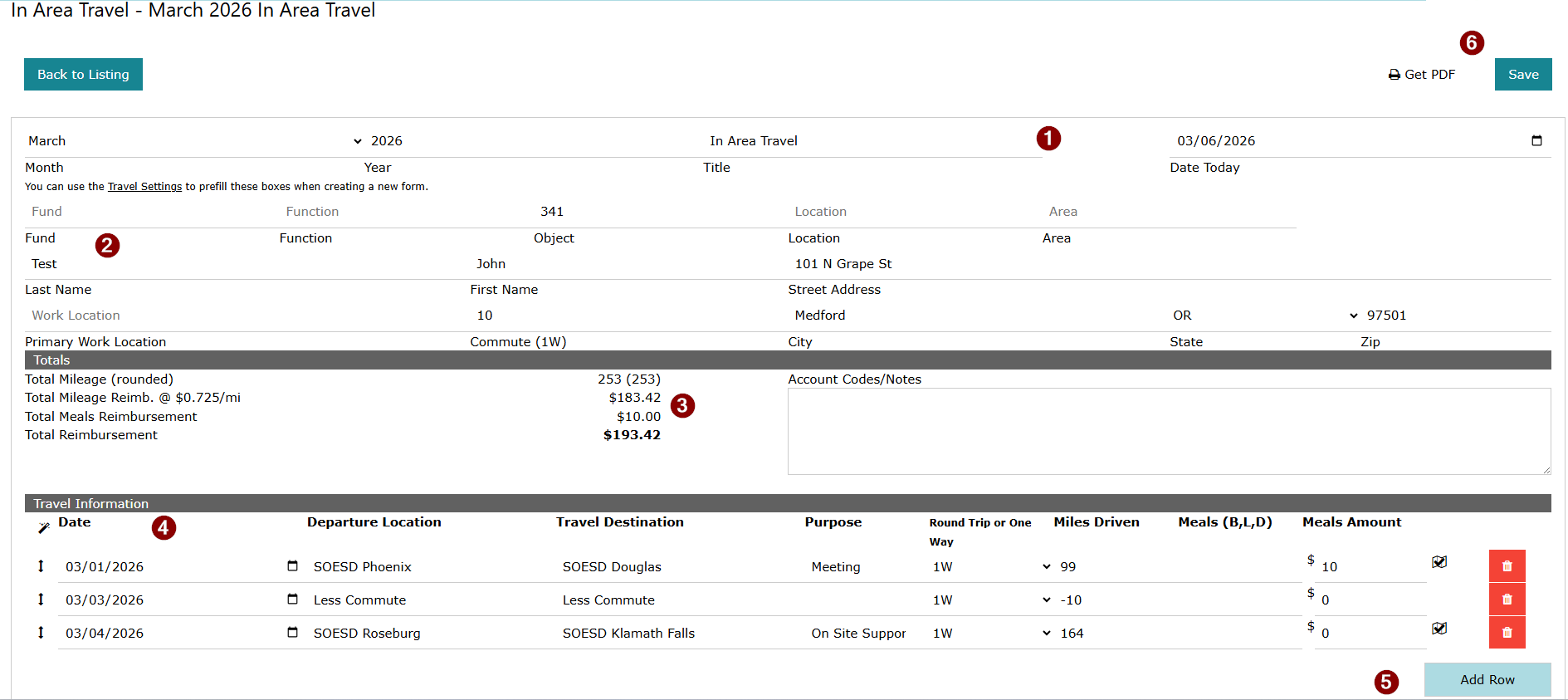
Month, Year, Title (1)
This defines the name of your form. If you have multiple forms for a month you can use the title to differentiate them.
Header Information (2)
Prefillable in Travel Settings.
Totals (3)
A breakdown of the Totals for your reimbursement.
Travel information (4)
Each row in the Travel Information section represents travel between two destinations.
Adding Rows (5)
When you add a row you can put in the departure, destination, and whether the trip is one way or round trip to get it to auto-calculate mileage for you.
Locations
When entering a location you can type in an address or use one of the pre-filled addresses (org wide and any you have added yourself). You can start typing to filter the list if it is too long.
Saving and Submitting your Miles (6)
After you have made changes you need to make sure you save your document.
When you have completed your form and are ready to turn it in to your supervisor for approval you can use the 'Get PDF' button to download a PDF version to sign and turn in.